


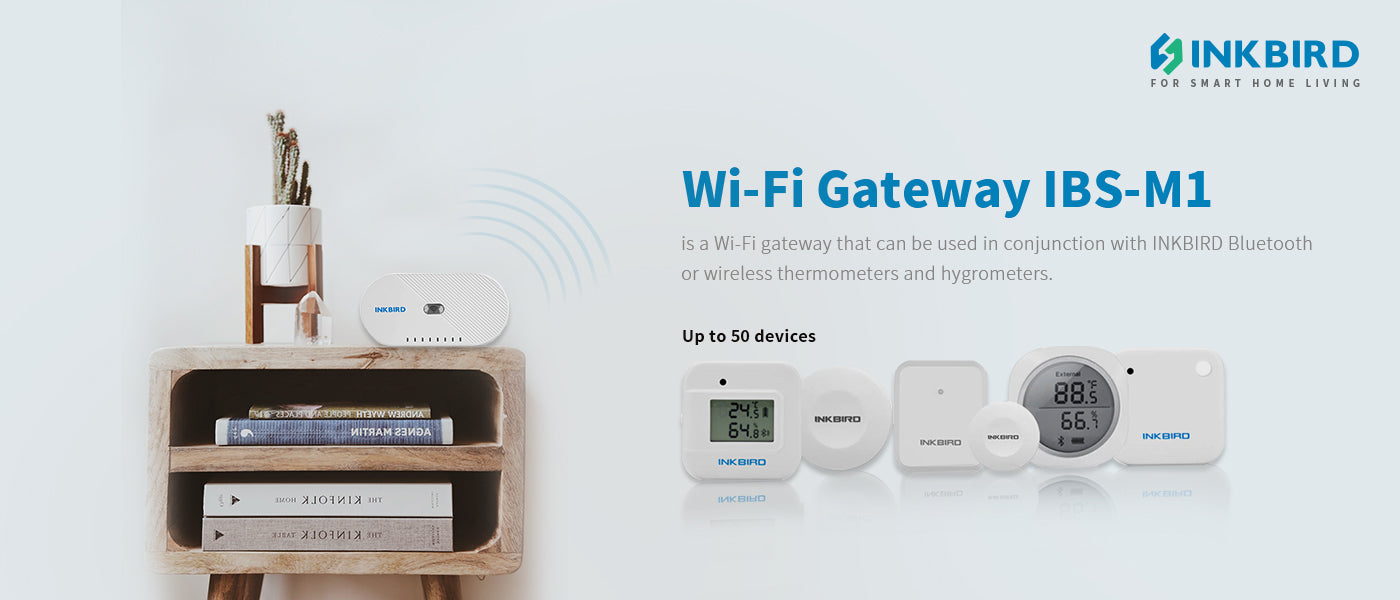
Wi-Fi Gateway IBS-M1
Shipping Fee
-
Free Shipping on Orders Over $50. Orders under $50 are subject to a $5 shipping fee.
Shipping Origin
For CA orders, we will ship directly from our factory in China. All costs collected during the transportation are the sole responsibility of the customer.
Canada Post customers in rural areas:
Please include BOTH your civic address and PO Box number to avoid delivery delays or pickup issues.
Shipping Carrier
We will select the carrier based on your shipping address.
Delivery Estimate
The order will be processed and shipped within 1-3 working days.
You will receive a confirmation email after the order is shipped.
For all other orders shipped from China, shipping time is 7-12 working days.
Kindly Remind
*If you need to make any changes to your order, please contact us before shipping.
*The recipient's assistance may be required during shipping for some orders. We will contact you as soon as possible after receiving the notification from the carrier, please pay attention to check our emails.
*After receiving the ready-to-delivery email, please keep your phone open. If delivery fails, you may need to contact your local post office for pickup. Of course, we will also email you the details after receiving the notification from the carrier.
If you have any questions, you are always welcome to contact us. We'll get back to you as soon as possible, within 24 hours on weekdays.
-
Shipping Information
Use this text to answer questions in as much detail as possible for your customers.
-
Customer Support
Use this text to answer questions in as much detail as possible for your customers.
-
FAQ’s
Use this text to answer questions in as much detail as possible for your customers.
-
Contact Us
Use this text to answer questions in as much detail as possible for your customers.
Product details


Main Interface of the IBS-M1 Wi-Fi Gateway on INKBIRD APP

Search the INKBIRD app from Google Play or App Store to download it for free.
Please make sure all the following requirements are met to download the INKBIRD app smoothly:
- Your iOS device must be running iOS 11.0 or above to download the INKBIRD app.
- Your Android device must be running Android 5.0 or above to download the INKBIRD app.

Connect the device in AP mode
If the Wi-Fi gateway is not connected to your phone, the light of the Wi-Fi button will flash rapidly by default. Press and hold the button for about 5 seconds to switch to AP mode, the light of the Wi-Fi button will flash slowly in the mode 5 seconds later.
1. Open the INKBIRD app and click “+” to start the connection.
2. Plug in the Inkbird Wi-Fi Gateway, choose the IBS-M1 Wi-Fi gateway, click “AP Mode” of the right top corner, check if the light of the Wi-Fi button is blinking slowly and confirm on your app if it is, then enters your Wi-Fi password to connect to a wireless network, click OK to connect the device.
3. The INKBIRD app will redirect to your phone’s WLAN Setting interface, select the “SmartLife-XXXX” to directly connect to the router without typing in a password. Go back to the INKBIRD app and enter the automatic connection interface to click“Done”.
4. Connection succeeds.
Press and hold the “Wi-Fi” button for 5 seconds to reset the Wi-Fi, then repeat the steps above to connect with your phone.
The device only supports 2.4GHz Wi-Fi router.

Long Distance Connection: The maximum connection distance between the Wi-Fi gateway and the Bluetooth device is 164 feet (no obstacles), and the maximum connection distance between the Wi-Fi gateway and the wireless device is 300 feet (no obstacles). You can control the device with your phone anytime and anywhere.
Data Storage: The data of the IBS-M1 is stored locally (device). The data can store up to 3w data points, and the data exceeding this limit will be overwritten. The number of days the data is stored depends on the interval setting. We can check real-time temperatures and humidity via the phone app and export CSV files to our mailbox to investigate all changes in temperature and humidity.
More Convenient APP: Through the phone app, we can modify the name of each device, get instant temperature and humidity, and switch Celsius and Fahrenheit temperature units.
Review Video: